
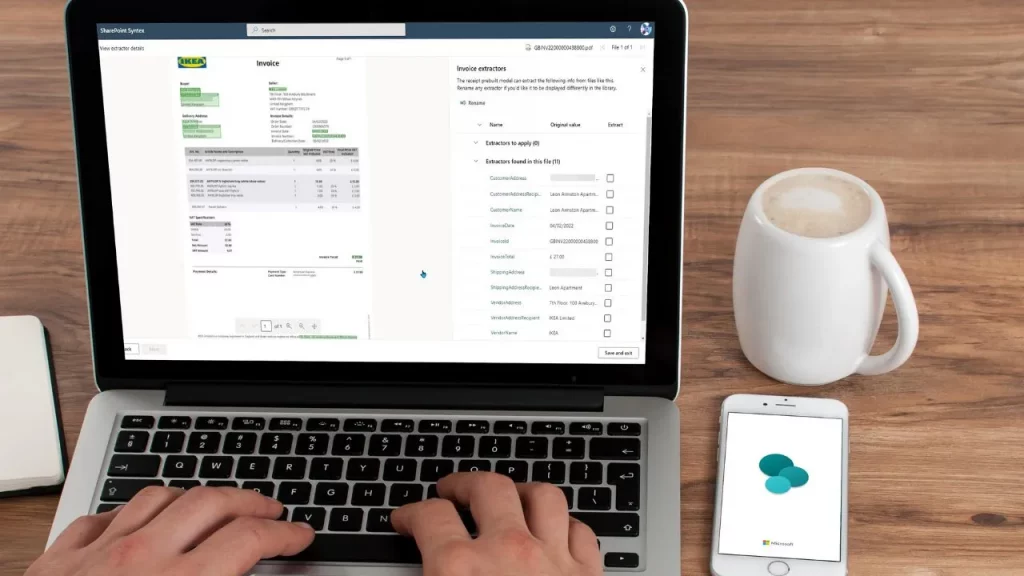
Transforming Accounts Payable with SharePoint + Power Automate
Manual invoice approvals are slow, error‑prone, and difficult to track — especially as organisations grow. Fortunately, SharePoint combined with Power Automate provides a modern, scalable way to automate vendor invoice approval processes. As highlighted in workflow guidance from LarkSuite, SharePoint’s native approval features streamline multi‑step sign‑off processes across teams.
DynamicPoint further emphasises that Power Automate elevates invoice processing to a new level, enabling end‑to‑end automation: capturing invoices, routing them for approval, providing visibility to stakeholders, and integrating with ERP systems when required.
Why Automate Invoice Approvals?
- Faster approvals — automation removes bottlenecks and manual chasing.
- Accuracy & compliance — reduces human error and maintains audit trails.
- Centralised document storage — invoices and records live in SharePoint for easy retrieval.
- Multi‑level approvals — dynamic routing gets the right invoices to the right approvers.
- Real‑time visibility — finance teams can track invoice status instantly.
Even your organisation has explored this direction — an internal meeting email confirms plans to configure multi‑step invoice approval workflows in SharePoint using Power Automate.
How Automated Invoice Approvals Work
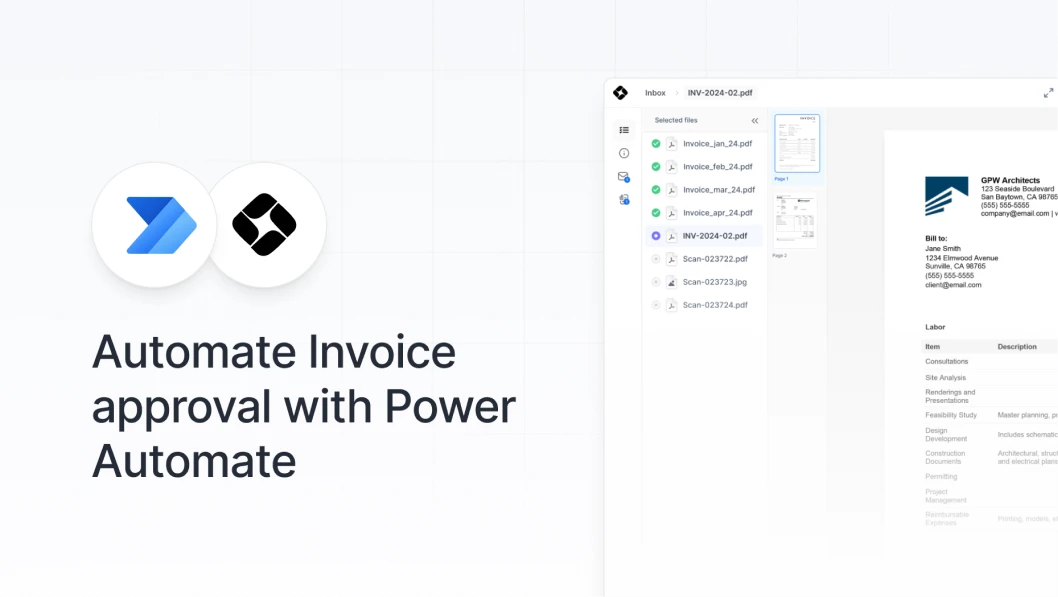
At the heart of automation is a structured SharePoint document library and a Power Automate flow. Incoming invoices are uploaded — manually, via email, or through automated capture — and the workflow takes over.
Key Workflow Components
- Invoice intake — Uploaded to a SharePoint library with metadata (vendor, amount, department).
- Auto‑validation — Verify fields, match PO numbers, or flag missing data.
- Approval routing — Multi‑step approval based on department, amount, or vendor.
- Notifications & reminders — Automatic Teams and email alerts to approvers.
- ERP or finance system integration — Automatically post approved invoices. (DynamicPoint)
- Audit trail creation — Track who approved what, and when.
Step‑by‑Step: Build an Automated Invoice Workflow in SharePoint
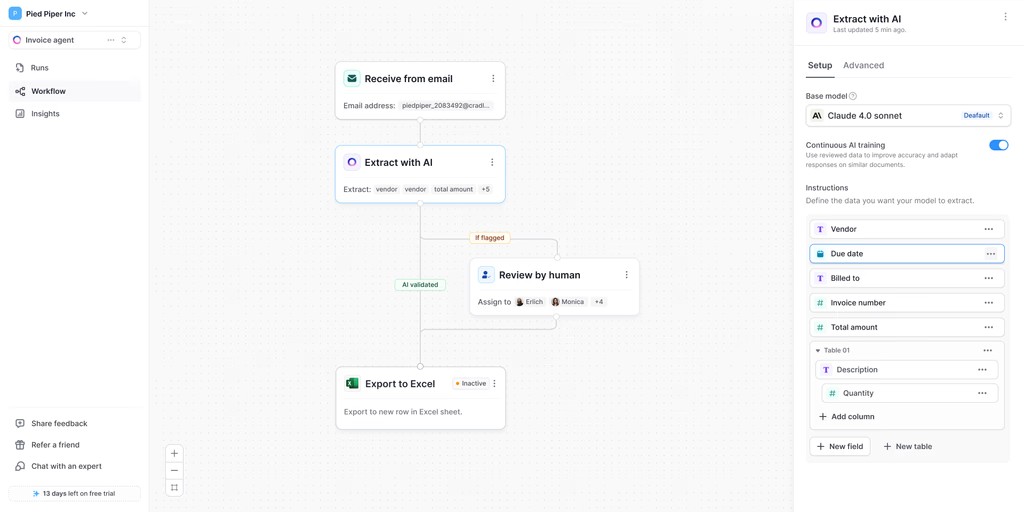
Below is a complete how‑to guide to help you set up a fully automated invoice approval system using SharePoint and Power Automate.
Step 1 — Create a SharePoint Invoice Library
- Create a new Document Library in SharePoint labelled “Vendor Invoices”.
- Add metadata columns such as:
– Vendor Name
– Invoice Date
– Invoice Amount
– Department
– Status (Pending / Approved / Rejected)
Step 2 — Enable SharePoint Approval Workflow
SharePoint’s built‑in approval workflows allow you to define who must approve a document before it is marked as complete. LarkSuite emphasises how this native approval workflow forms the foundation of structured, trackable approvals. [1](https://www.polygon.com/nintendo-direct-january-2026-super-mario-galaxy-movie/)
- Open your Invoice Library.
- Go to Automate → Configure Rules → Request Approval.
- Specify approvers or approval groups.
- Define conditional routing based on metadata.
Step 3 — Build a Power Automate Flow
DynamicPoint describes how Power Automate drastically expands automation capabilities by integrating data capture, approvals, notifications, and finance system updates.
- Start a new flow using the template: When a file is created in SharePoint → Start an approval.
- Define approval type:
– First to Respond
– Everyone Must Approve
– Custom Sequential Approval
- Route based on invoice amount (e.g., < £5,000 → Manager; > £5,000 → Director).
- Send Teams notifications and automated reminders.
- Add conditions to handle approvals vs rejections.
- Update invoice status metadata upon workflow completion.
Step 4 — Notify Finance & Archive Automatically
Approved invoices can automatically move to an “Approved” folder or sync into a finance system such as Business Central or Xero via middleware. DynamicPoint highlights how this integration cuts down on manual entry and ensures instant accuracy.
Conclusion
Automating invoice approvals in SharePoint is no longer a “nice to have” — it’s a competitive advantage. With structured approvals, end‑to‑end visibility, and Power Automate’s intelligence, finance teams can eliminate manual bottlenecks and focus on higher‑value tasks.
Whether you’re processing 50 or 5,000 invoices per month, SharePoint + Power Automate offers an efficient, auditable, and scalable solution to modernise Accounts Payable.