
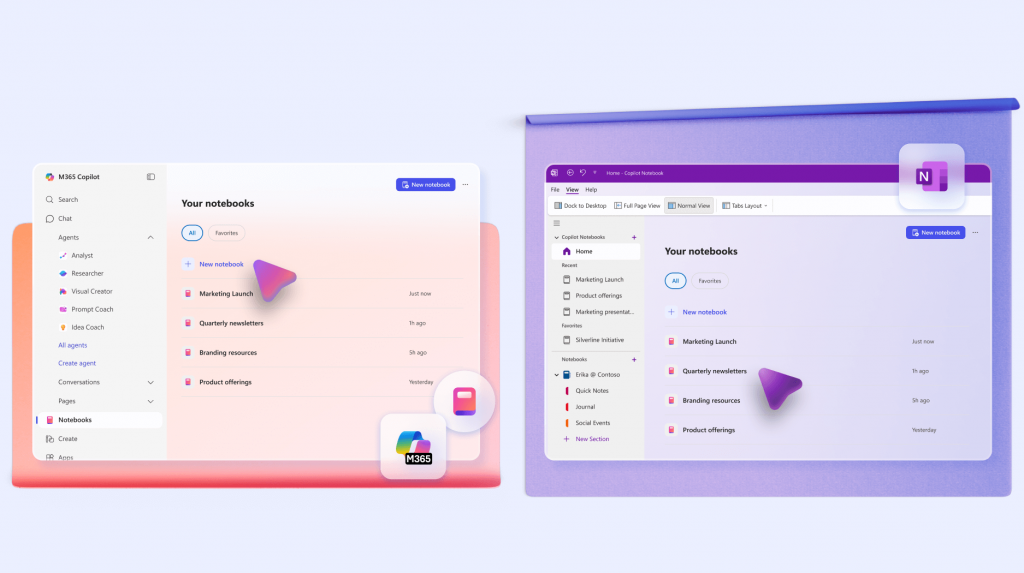
OneNote Just Got Its Most Powerful Upgrade Ever
If you’ve ever used OneNote as a dumping ground for meeting notes, ideas, screenshots, web clippings, or half‑finished plans, you’re not alone. For years, OneNote has been one of Microsoft’s most underrated tools — powerful, flexible, but often chaotic. That changes with Copilot Notebooks, which XDA Developers calls the feature that finally transforms OneNote from a digital filing cabinet into an active, intelligent workspace.
Copilot Notebooks are more than just an AI sidebar. They are a new project‑focused, AI‑driven way to work — and they may be the biggest leap in OneNote’s history.
“Copilot Notebooks turns OneNote and OneDrive from a passive storage bin into an active, intelligent layer.” — XDA Developers
What Exactly Is a Copilot Notebook?
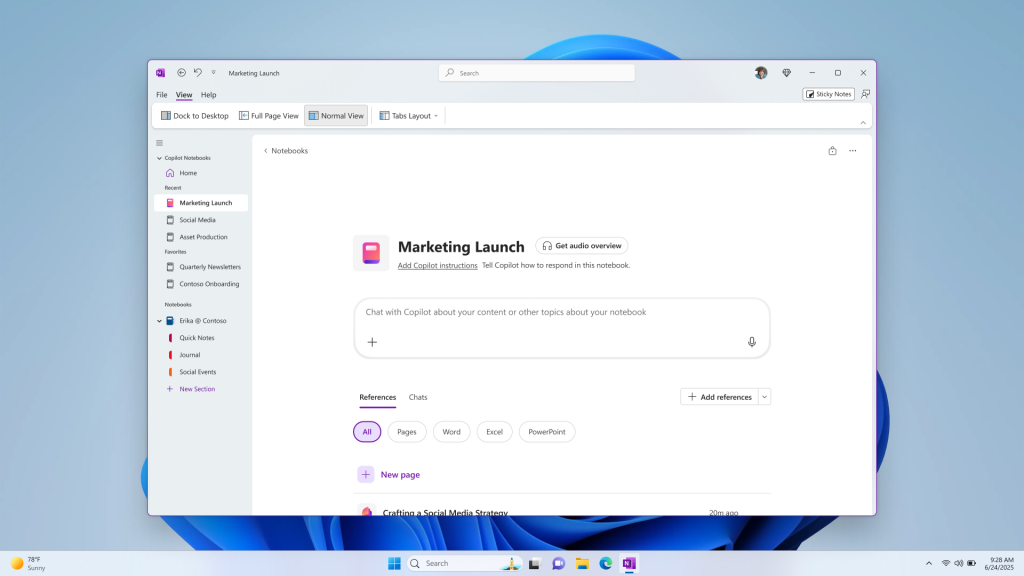
Unlike traditional OneNote notebooks filled with manually typed pages, Copilot Notebooks let you build an AI‑powered workspace. You can gather files, documents, PDFs, notes, and references — and Copilot uses all of them to answer questions, summarise content, and help you think.
- Bring in content: Add Word, Excel, PowerPoint, PDFs, or manual notes.
- Ask questions like “summarise these documents” or “draft a plan based on this info.”
- Get contextual, tailored answers based on your collected materials.
It feels less like searching through folders and more like talking to a project‑specific AI that actually understands your work.
How to Enable Copilot Notebooks
According to XDA Developers, the full Copilot Notebook experience is currently available on Windows only. Mac, iPad, and web users will just see a simple Copilot icon for now. To use it, you need a Microsoft 365 plan that includes Copilot capabilities. Once enabled, the “Copilot Notebooks” option appears in the OneNote sidebar.
Why Copilot Notebooks Are Game‑Changing
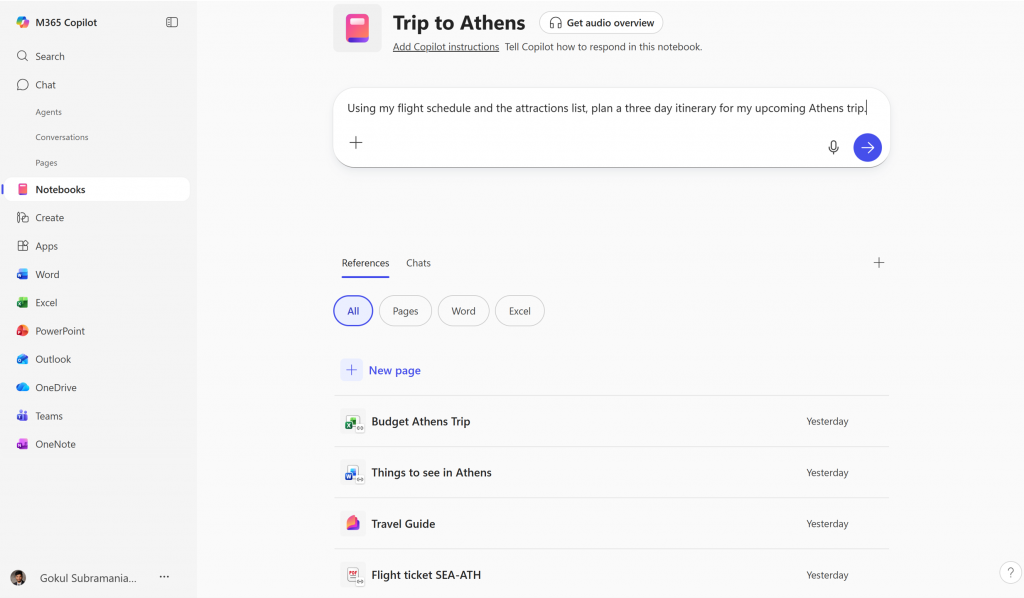
Copilot Notebooks aren’t just a place to store files — they become your project brain. XDA’s hands‑on review highlights several features that make Copilot Notebooks a standout addition to OneNote.
- AI understands your context by reading all your uploaded content.
- No more digging through folders — ask Copilot directly and get instant answers.
- Supports multiple file types including PDFs, PowerPoints, Excel sheets, and Word docs.
- Ideal for planning and complex projects, like launches, research, or home renovations.
- Lets you build an AI‑powered “project brain” that collects everything in one place.
XDA explains that once a notebook is created, the References pane becomes the magic zone — allowing users to build a central hub for everything their project needs.
A Real Example: How Copilot Notebooks Work
XDA gives a practical scenario: Suppose you’re planning a home remodel — you can add contractor quotes (PDF), a budget spreadsheet (Excel), design notes (Word), and any personal notes you’ve typed. Copilot then becomes your instant Q&A system for the entire project.
Why Copilot Notebooks Beat Every Other OneNote Feature
Older OneNote features like tags, search, page organisation, and notebooks were great for storage — but not for thinking. Copilot Notebooks finally elevate OneNote into a tool that helps you reason, plan, research, and create.
- Instead of searching, you ask.
- Instead of reading long files, you get summaries.
- Instead of manually organising your work, you get an AI‑powered project workspace.
- Instead of guessing where a file is hidden, Copilot knows instantly.
It’s the closest OneNote has ever come to feeling like a genuine second brain.
Final Thoughts
Copilot Notebooks is the future of OneNote — and arguably the most innovative feature Microsoft has added to the app in years. If traditional OneNote notebooks stored information, Copilot Notebooks unlock it. They’re faster, smarter, context‑aware, and perfect for anyone juggling projects, research, or complex tasks.
If you haven’t opened OneNote in a while, now’s the time. With Copilot Notebooks, it’s no longer just a notes app — it’s your new AI‑powered command center.