
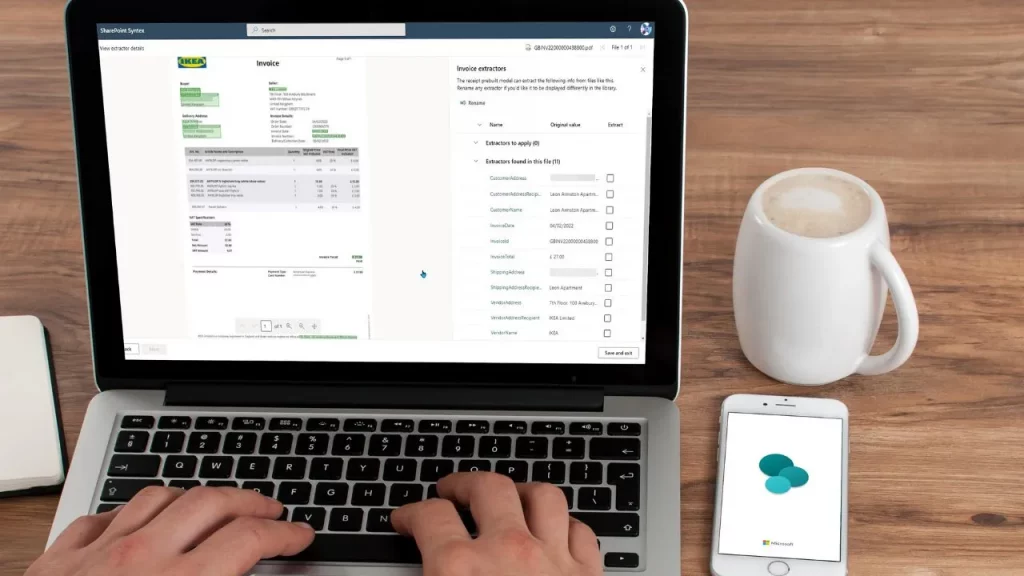
A New Era of Intelligent SharePoint Experiences
Microsoft’s Copilot Agents are reshaping how organisations use SharePoint. Instead of navigating large document libraries, lengthy policies, or complex procedures, staff can now ask natural‑language questions and instantly retrieve the exact information they need. CloudDesignBox explains how these AI-powered assistants are becoming essential tools for training, onboarding, compliance, and productivity.
Whether you run a business, a school, or a large corporate intranet, Copilot Agents allow your staff to interact with your SharePoint content conversationally — saving time, reducing errors, and empowering teams to work smarter.
Copilot Agents turn your SharePoint environment into a fully interactive knowledge hub, capable of guiding staff through processes, policies, and documents with simple, human‑friendly questions.
What Are Copilot Agents?
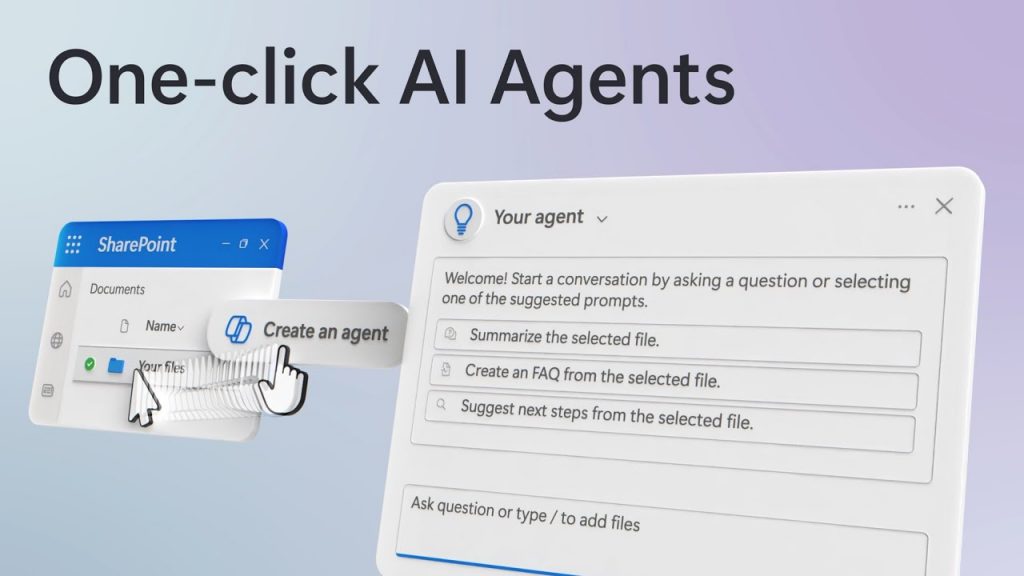
Copilot Agents are customisable, AI‑powered assistants embedded directly within SharePoint. As CloudDesignBox describes, they act like virtual experts who can read, summarise, and interpret information stored in your document libraries. Staff can simply ask questions and the agent returns relevant summaries or step‑by‑step guidance.
- Instant answers — no need to search through long policy documents.
- Process guidance — the agent can guide users through multi‑step procedures.
- Staff onboarding support — new hires receive fast, clear explanations of internal processes.
- Compliance reinforcement — staff can clarify rules, steps, and protocols instantly.
Why Use Copilot Agents in SharePoint?
In many organisations, staff waste valuable time searching for information buried in dense documents. CloudDesignBox highlights how Copilot Agents solve this by retrieving answers immediately from a SharePoint site’s files.
- Faster decision‑making — no more digging through PDFs or policy handbooks. )
- Fewer errors — instructions come directly from official documents.
- Better staff confidence — users always have answers available.
- Reduced onboarding time — new employees get consistent, accurate guidance.
How Copilot Agents Work Inside SharePoint
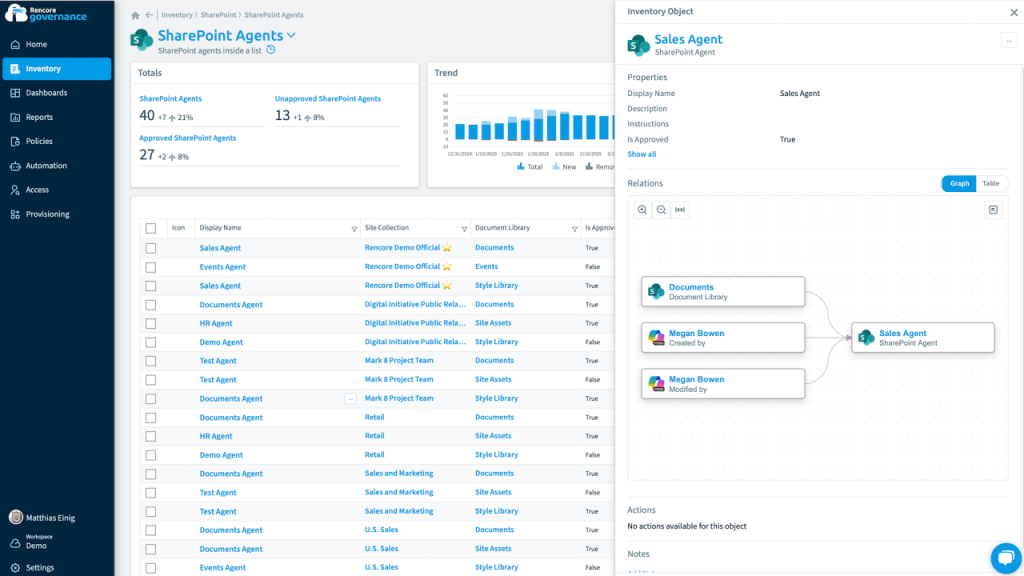
CloudDesignBox describes a simple, user‑friendly workflow: Copilot Agents live within SharePoint libraries, read content across selected files, and become “experts” on those documents. Staff interact with the agent directly inside SharePoint — no switching apps.
- Agents scan documents and extract essential information.
- Users ask natural‑language questions within SharePoint.
- The agent responds with summaries, clarifications, or detailed steps.
- All answers are grounded in your organisation’s official files.
How to Set Up a Copilot Agent in SharePoint
CloudDesignBox outlines a clear process for creating and deploying Copilot Agents — and the best part is that no coding experience is required.
Step‑by‑Step Setup
- Navigate to your SharePoint site.
- Open the Copilot panel.
- Select the Agent dropdown and choose Create Agent.
- Add instructions, knowledge sources, and name your agent.
- Test the agent using sample questions.
Once published, your agent immediately becomes available to staff across the SharePoint site, providing instant assistance while they work.
Use Cases for Copilot Agents
- HR & Compliance — answer policy questions instantly.
- Health & Safety — guide staff through equipment checks or procedures.
- Onboarding — provide new hires with a knowledge assistant.
- IT & Operations — help staff follow technical processes accurately.
One real‑world example highlighted by CloudDesignBox shows an agent trained on machinery manuals so shop‑floor workers can ask questions like “What checks do I perform before starting the machine?” and receive step‑by‑step guidance.
Best Practices
- Keep documents current — the agent’s accuracy depends on up‑to‑date content.
- Curate your data sources — restrict the agent to relevant files.
- Test thoroughly — validate responses before publishing.
- Communicate use cases — educate staff on what the agent can do.
Conclusion
Copilot Agents are set to become one of the most impactful productivity tools in SharePoint. By enabling staff to ask natural‑language questions and receive instant, document‑grounded answers, organisations reduce search time, support compliance, and accelerate training and onboarding. As CloudDesignBox highlights, deploying an agent is fast, simple, and requires no coding — making it accessible to any organisation ready to modernise its digital workplace.
Whether you’re building support tools for HR, safety, IT, or training, Copilot Agents transform SharePoint into an intelligent, conversational knowledge platform — one that empowers your people to work smarter every day.